Device Overview
|
|
|
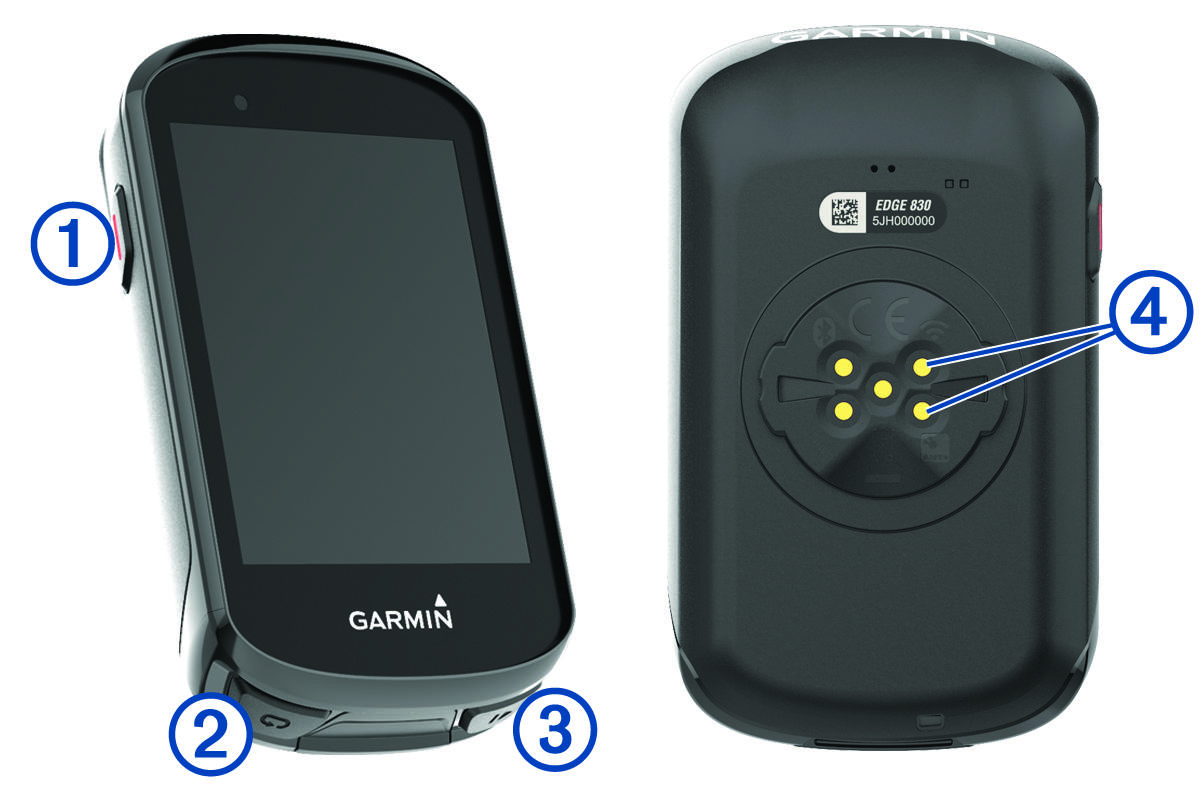
Select to enter sleep mode and wake the device. Hold to turn the device on and off and lock the touchscreen. |
|
|
|
Select to mark a new lap. |
|
|
|
Select to start and stop the activity timer. |
|
|
Electrical contacts |
Charge using an Edge external battery pack accessory. |




NOTE: Go to Garmin.com.sg/buy to purchase optional accessories.