Going for a Ride
If your device was packaged with a wireless sensor, they are already paired and can be activated during initial setup.
- Hold
 to turn on the device.
 - Go outside, and wait while the device locates satellites.
The satellite bars turn green when the device is ready.
- From the home screen, select
 .
. - Select an activity profile.
- Select
 to start the activity timer.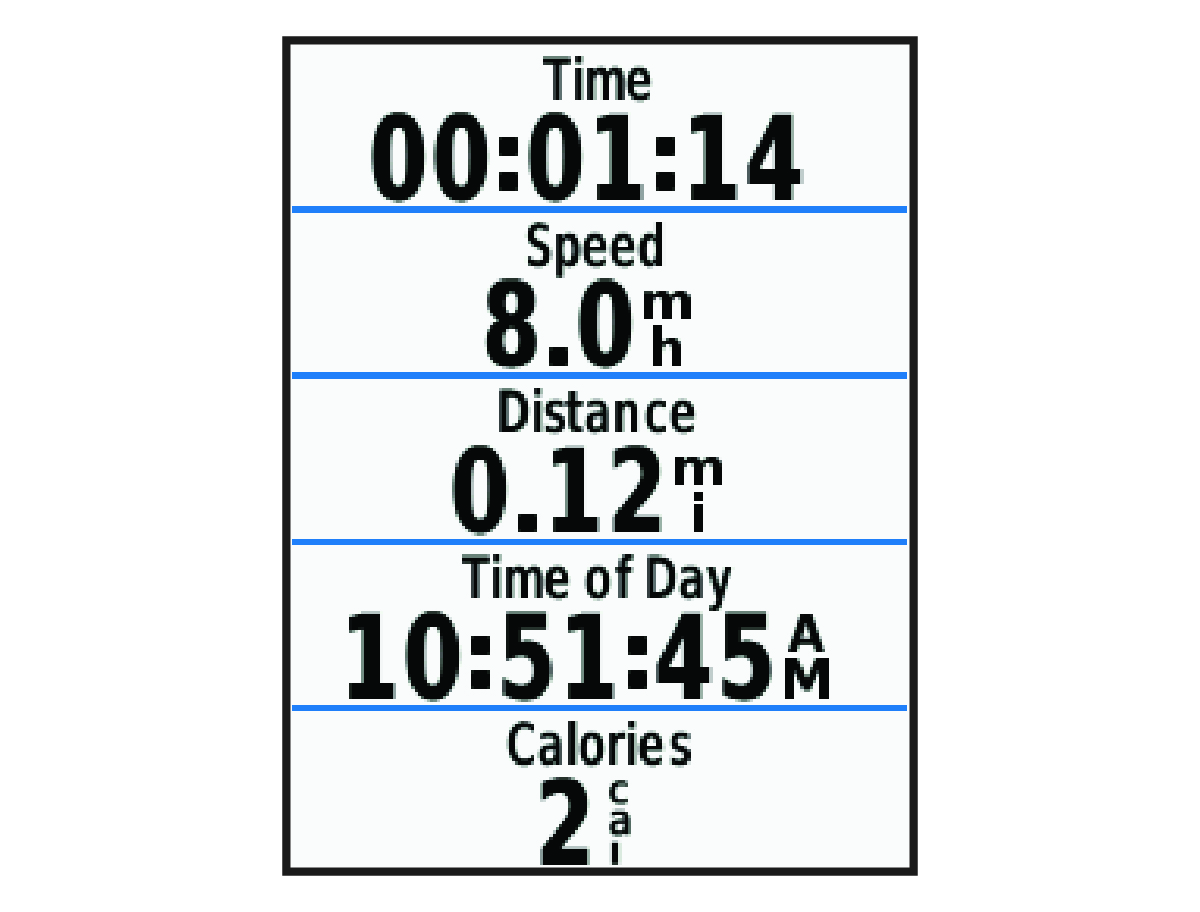
NOTE: History is recorded only while the activity timer is running.
- Select
 or
or  for additional data screens.
 - If necessary, select to view menu options such as alerts and data fields.
- Select to stop the activity timer.
TIP: Before you save this ride and share it on your Garmin Connect account, you can change the ride type. Accurate ride type data is important for creating bike friendly courses.
- Select Save Ride.