Device Overview
|
|
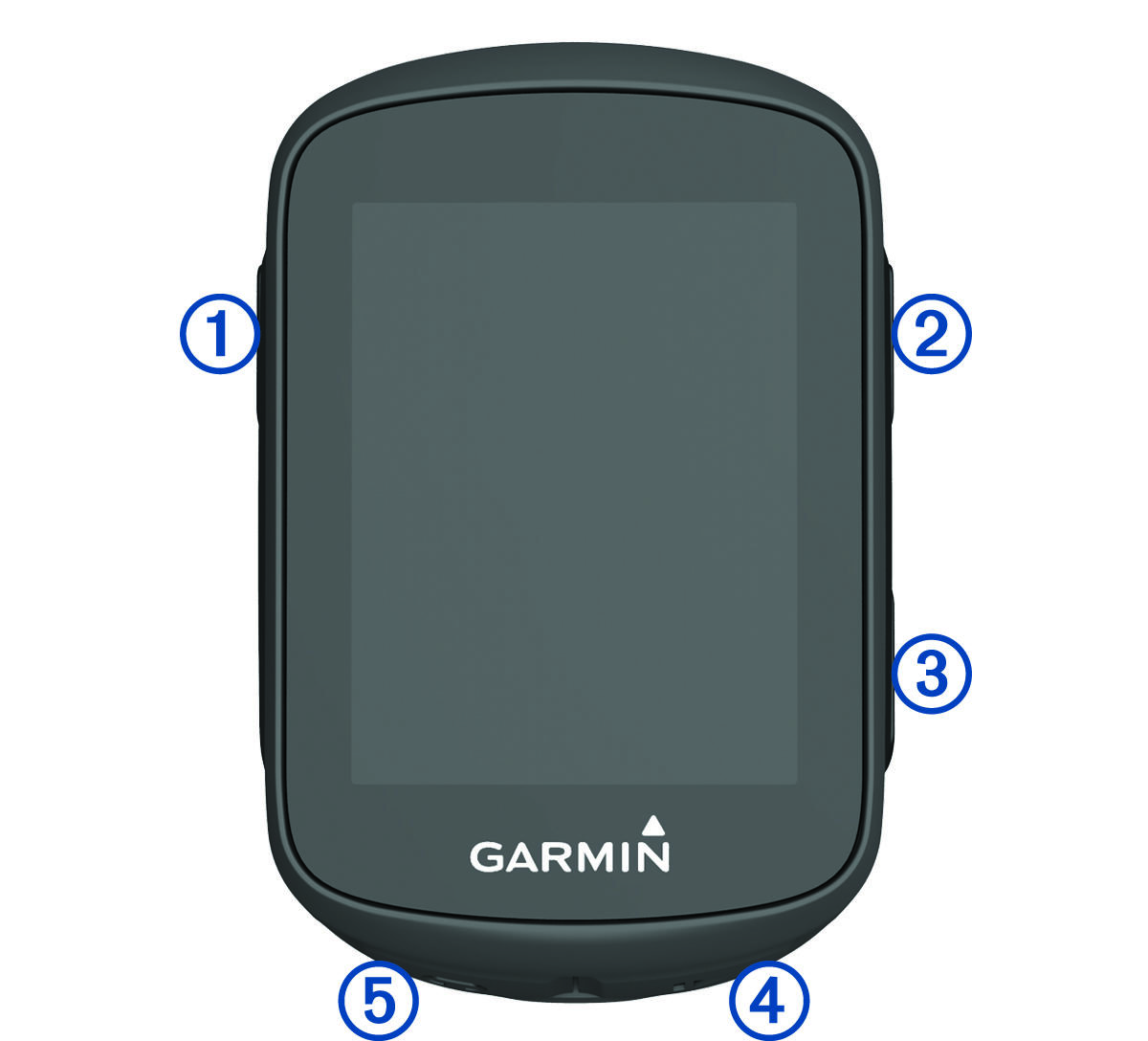
Select to wake the device. |
|
|
Select to scroll through the data screens, options, and settings. |
|
|
Select to scroll through the data screens, options, and settings. |
|
|
Select to start and stop the timer. |
|
|
Select to mark a new lap. |