Navigating to a Shared Location During a Ride
This feature is designed for rides using GPS. If you are riding with an Indoor activity profile where navigation is disabled, select  to dismiss the notification.
TIP: The location is saved in the Navigation > Recent Finds menu.
You can receive shared locations on your Edge bike computer and navigate to those locations ().
Your Edge bike computer displays a notification indicating the name of a shared location.
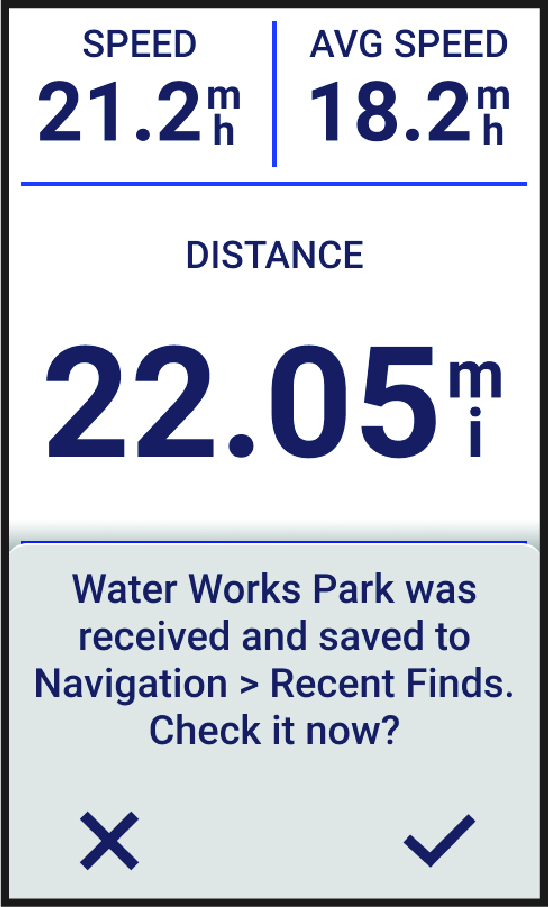
- Select to navigate to the shared location.
- Follow the on-screen instructions to proceed to your destination.