Paying for a Purchase Using Your Edge Bike Computer
Before you can use your Edge bike computer to pay for purchases, you must set up at least one payment card ().
- Select
 > Garmin Pay.
 - Enter your four-digit passcode.
NOTE: If you enter your passcode incorrectly three times, your wallet locks, and you must reset your passcode in the Garmin Connect app.
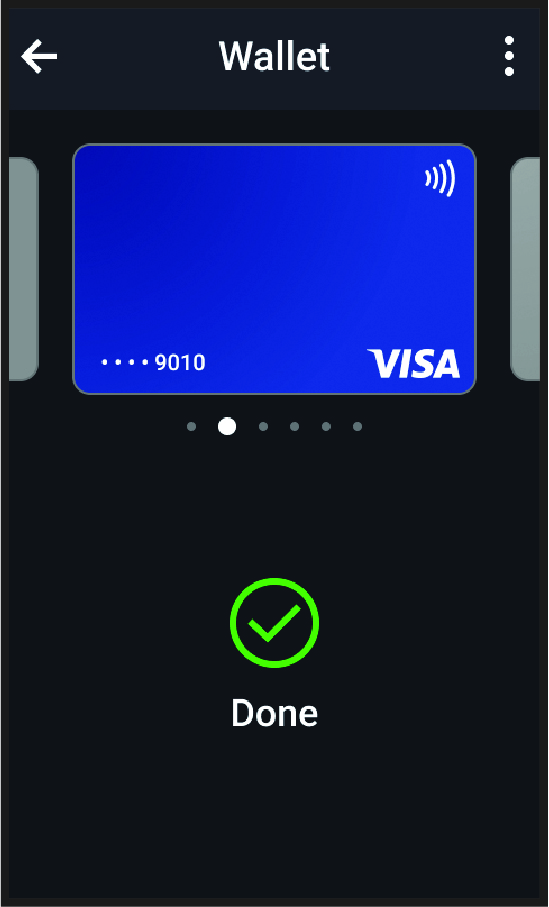
Your most recently used payment card appears.
- If you have added multiple cards to your Garmin Pay wallet, swipe to change to another card (optional).
- Within 60 seconds, hold your Edge bike computer near the payment reader, with the bike computer facing the reader.
The bike computer displays a check mark when it is finished communicating with the reader.
- If necessary, follow the instructions on the card reader to complete the transaction.