Reporting a Hazard
 WARNING
This feature allows users to submit information about potential hazards on their ride. Garmin makes no representations about the accuracy, completeness, or timeliness of information submitted by users. Remain aware of your surroundings and defer to any posted guidance available during your ride. Failure to remain aware of your surroundings could result ino property damage or personal injury.
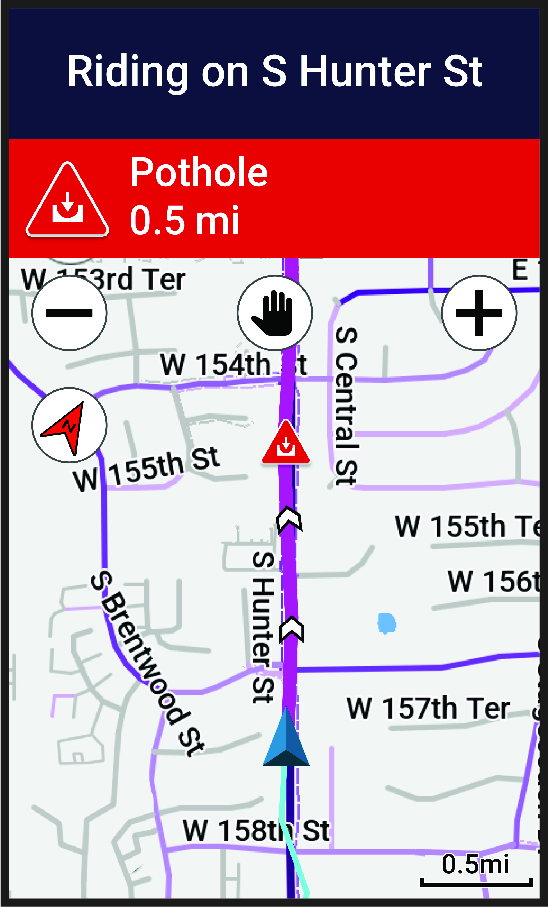
At any point during your ride, you can report a hazard that might be hazardous to cyclists, such as potholes, unleashed dogs, or fallen trees. You can also confirm a hazard on the Edge bike computer, or report that a hazard is no longer present. Hazards expire after they have not been reported for a period of time.
- Go for a ride ().
- Tap the screen to view the timer overlay.
- Select
 .
. - Select the type of hazard.
- Select Report.
The hazard appears on the navigation map, and the Edge bike computer gives an audible alert ().