Starting a Ride From a Shared Location
You can use the Garmin Connect app to share a location from Apple® Maps to your Edge bike computer, and navigate to that location ().
- Select the shared location information from the dynamic area at the top of the home screen
 .
.
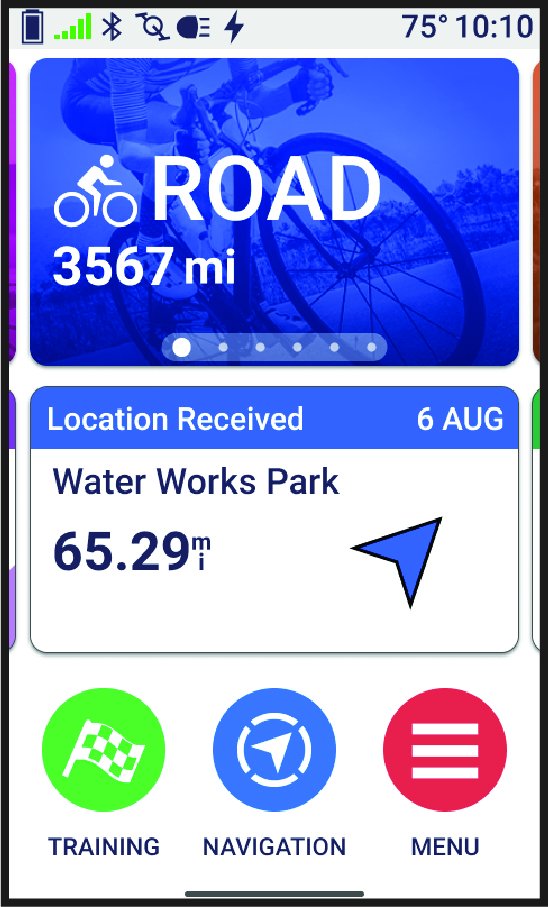
Your Edge bike computer displays a map with the shared location name and its coordinates.
TIP: The location is saved in the Navigation > Recent Finds menu.
- Select Ride.
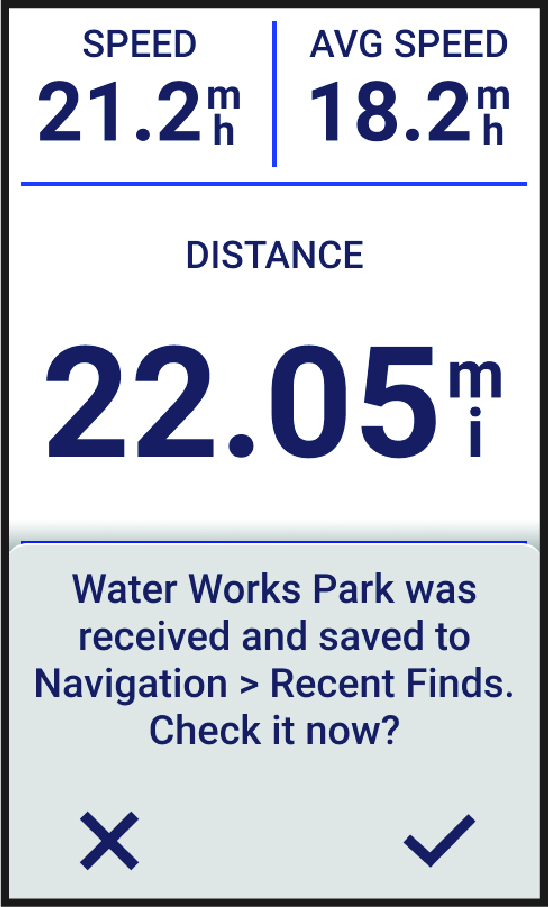
- Follow the on-screen instructions to proceed to your destination.