Navigating to a Location
- Select Navigation.
- Select an option:
- Select MTB Trail Navigation to navigate to a mountain bike trail network.
- Select Browse Map to navigate to a location on the map.
- Select Search to navigate to a point of interest, city, address, intersection, or known coordinates.
- Select Saved Locations to navigate to a saved location.
TIP: You can select
 to enter specific search information.
- Select Recent Finds to navigate to one of the last 50 locations you have found.
- Select
 > Searching near: to narrow your search area.
- Select a location.
- Select Ride.
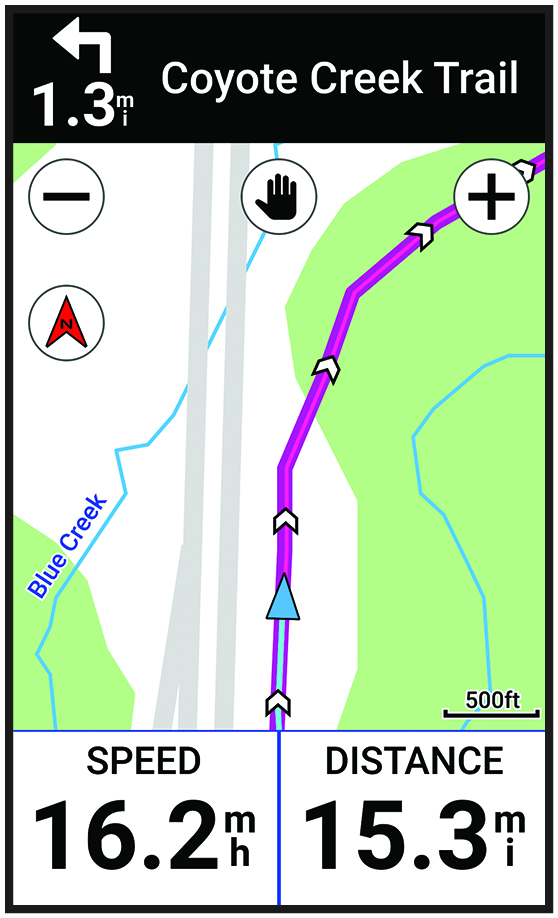
- Follow the on-screen instructions to your destination.