Using the Gauge Dive Stopwatch
TIP: You can add a simplified stopwatch screen to any of the gas dive modes (Customizing the Data Screens).
- Start a Gauge dive.
- Scroll to the stopwatch screen.
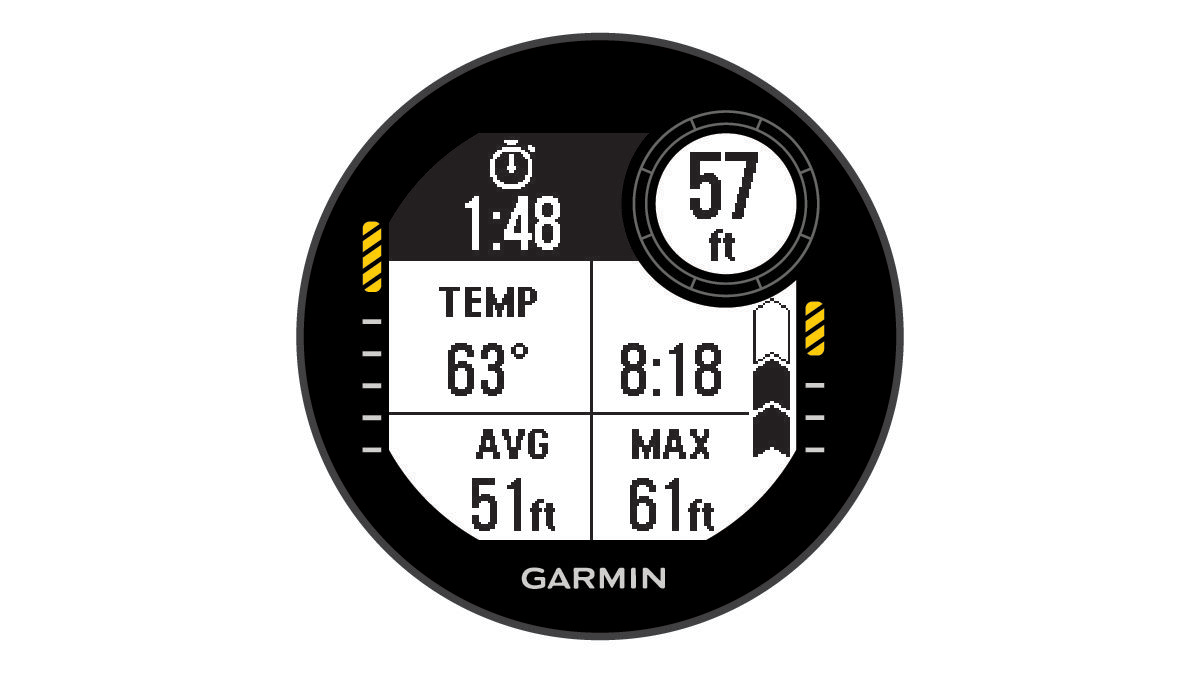
- Press START, and select Reset Avg. Depth to set the average depth to your current depth.
- Press START, and select Start Stopwatch.
- Select an option:
- To stop using the stopwatch, press START, and select Stop Stopwatch.
- To restart the stopwatch, press START, and select Reset Stopwatch.