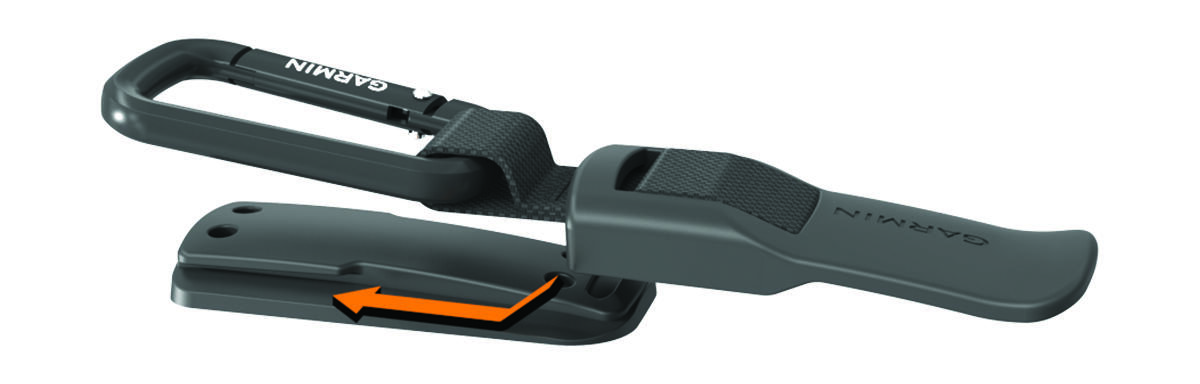
Attaching the Carabiner Clip Position the carabiner clip in the slots on the mounting spine of the carry case. Slide the carabiner clip up until it locks in place. HomeDevice InformationAttaching the Carabiner Clip
Attaching the Carabiner Clip Position the carabiner clip in the slots on the mounting spine of the carry case. Slide the carabiner clip up until it locks in place. HomeDevice InformationAttaching the Carabiner Clip