Device Overview
|
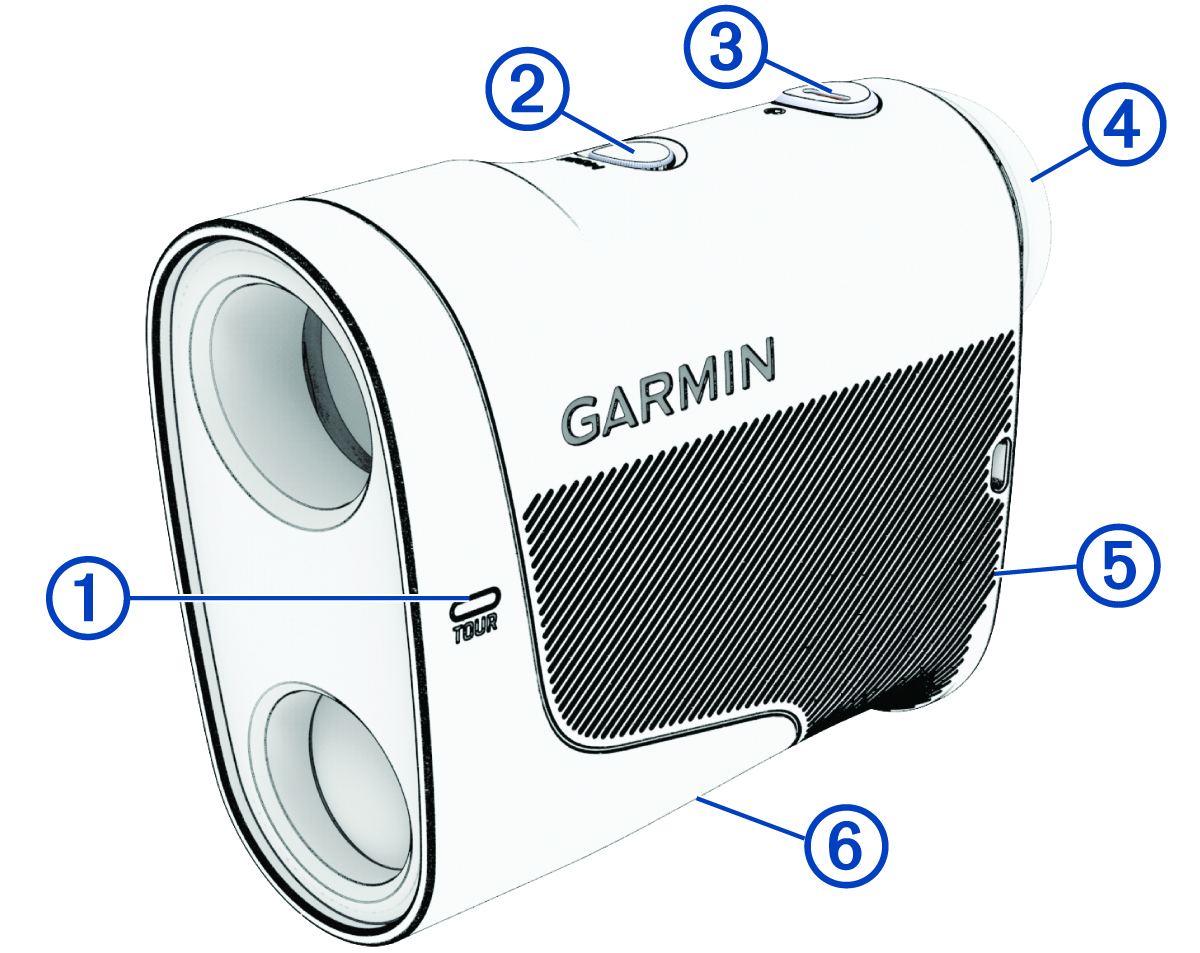
① |
When tournament mode is enabled, the LED is solid blue. When applying a firmware update to the rangefinder, the LED flashes blue (Product Updates). |
|
② |
Press to enable tournament mode and turn off the PlaysLike feature (Using Tournament Mode). Hold to open setup mode (Using Setup Mode). |
|
③
|
Press to wake up the device (Waking Up the Device). Press to range with the laser for 3 seconds or until the rangefinder locks onto the pin (Measuring the Distance to a Target, Measuring the Distance to the Pin). Hold for up to 8 seconds or until the rangefinder locks onto the pin to range with the laser. |
|
④ |
Rotate the eyepiece to focus the screen (Adjusting the Eyepiece). |
|
⑤ |
Remove to install or replace the CR2 battery. |
|
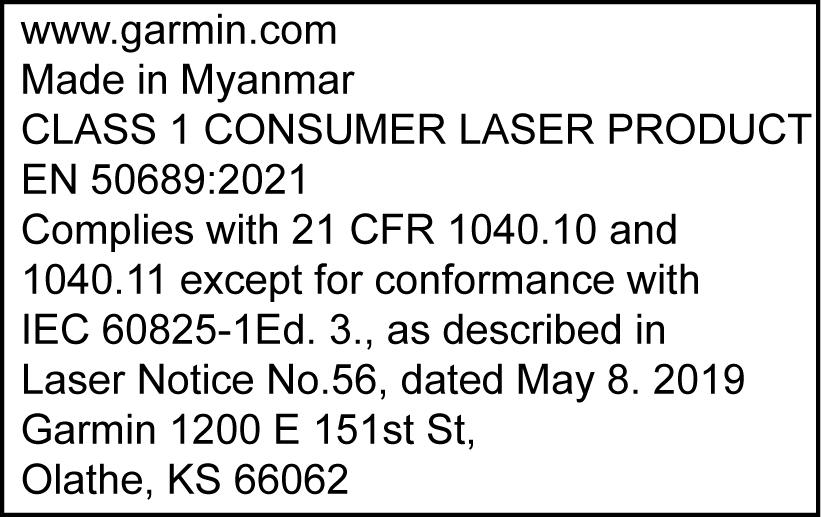
⑥ Device label |
View manufacturer's identification and certification.
|