Hole View in Big Numbers Mode
You can change the size of the numbers on the hole view screen.
Press OK, and select Golf Settings > Big Numbers.
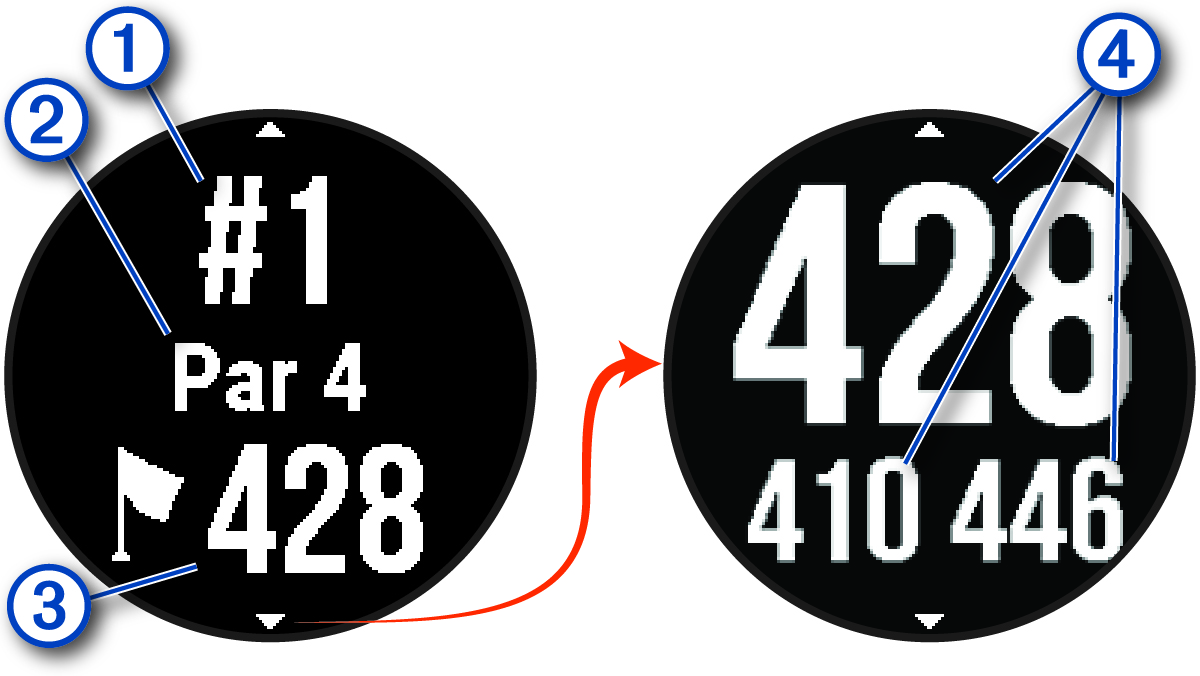
 : Current hole number.
 : Par for the hole.
 : Distance to the middle of the green.
NOTE: You can press DOWN to view all distances to the green.
 : Distances to the front, middle, and back of the green.