Adjusting the Target Alignment
During a practice session, the target alignment is set to 0 degrees by default. You can adjust the target alignment up to 15 degrees to the left or right.
- During a practice session, select
 > Target Alignment.
- If necessary, select Reset to set the target alignment back to 0 degrees.
- Place a golf ball within each of the two areas pictured on the launch monitor’s display.
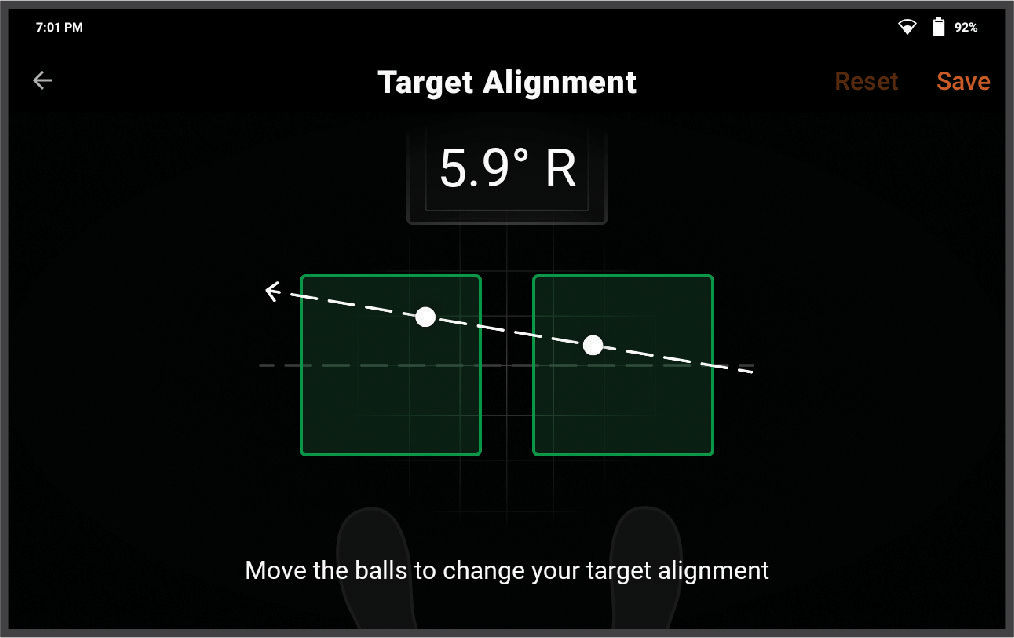
- Move the golf balls to adjust your target alignment.
- Select Save.